
SciWIn-Studio
SciWIn-Studio is the visual companion to SciWIn-Client: a desktop app for building, inspecting, and running CWL workflows without touching a terminal. It has no CWL parsing or execution logic of its own — it’s a front end over the same sciwin and commonwl crates s4n uses, so nothing behaves differently between the two.
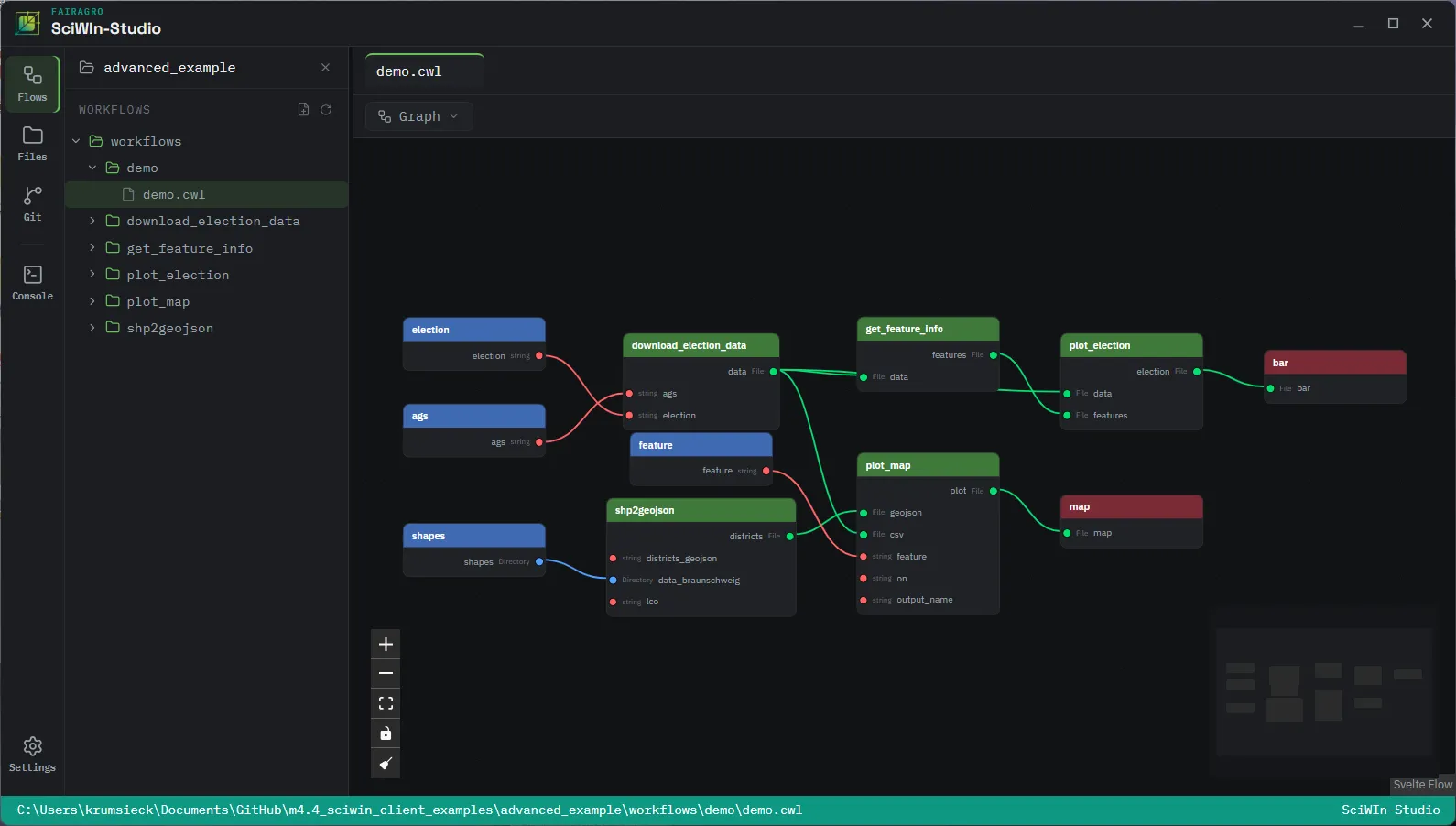
The same project, either way
Section titled “The same project, either way”Every SciWIn-Studio project is an s4n project on disk: a workflow.toml, your CWL files, and a git repository. Open an existing s4n project in Studio and it’s already there, history included; author a tool in Studio and s4n list/s4n execute see exactly what you’d expect from the command line. Nothing needs exporting or converting either way.
Installation
Section titled “Installation”SciWIn-Studio is currently in testing (beta). Download the installer for your platform from the latest release:
- macOS —
.dmg(separate builds for Apple Silicon and Intel) - Windows —
.msior a.exeinstaller - Linux —
.AppImage,.deb, or.rpm
Studio’s built-in terminal picks up an installed s4n automatically. If it can’t find one, it’ll tell you and point at the installation guide.
Working with a project
Section titled “Working with a project”- Open a folder. A blank one becomes a new
s4nproject as soon as you save; an existing one opens exactly ass4n listwould report it.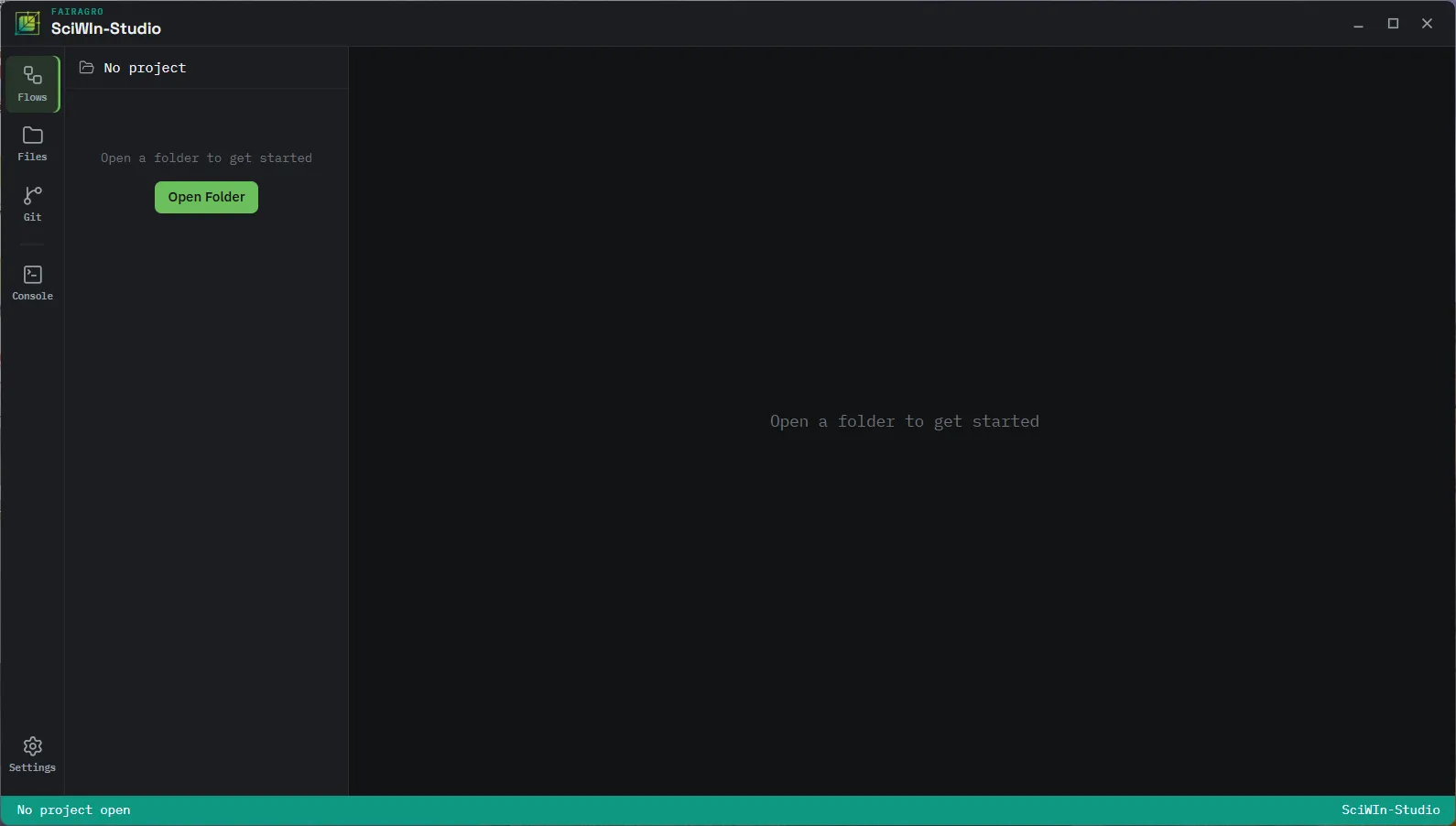
- The file tree on the left mirrors the project’s real files, honoring
.gitignore, with CWL documents opening in a syntax- and schema-aware editor.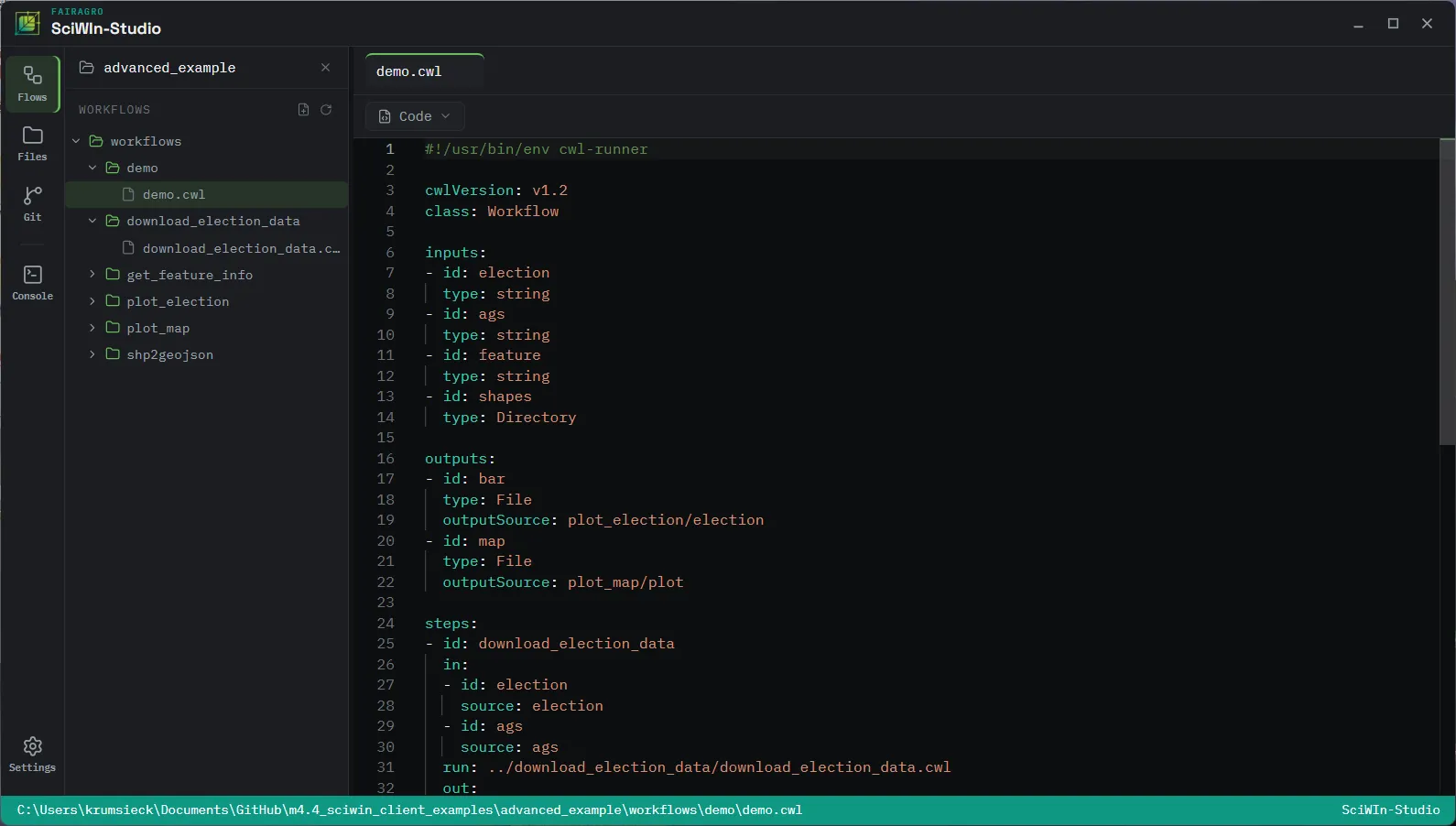
- Switch to the graph view to see tools as nodes: drag a CWL file from the tree onto the canvas, then connect its ports to another tool’s, or to the workflow’s own inputs and outputs — the same connections
s4n connectmakes from the command line. The inspector panel exposes per-step settings likescatterand conditionalwhenexpressions.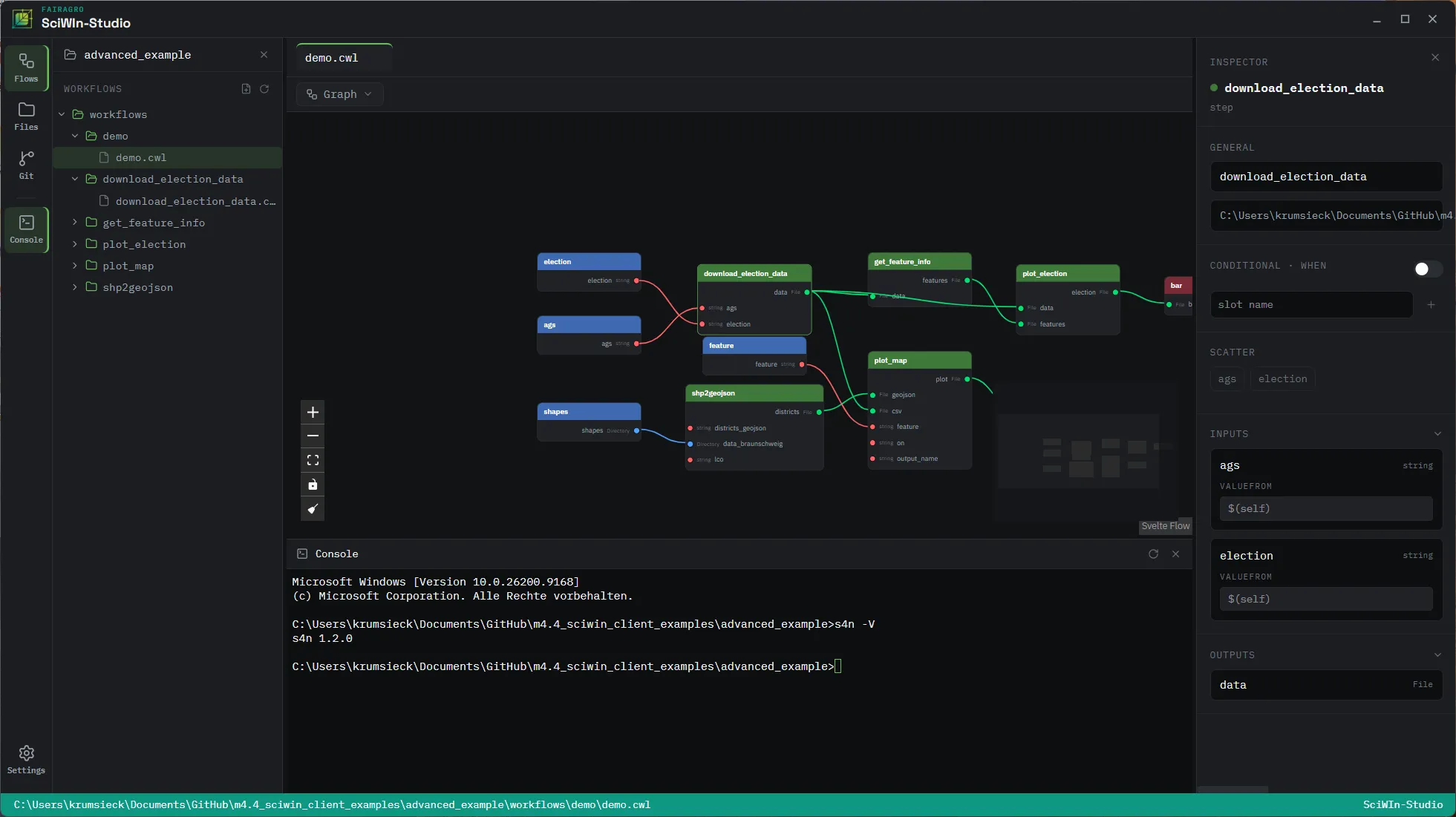
- Run the workflow from the canvas, or drop into the integrated terminal to reach for
s4ndirectly, without leaving the app.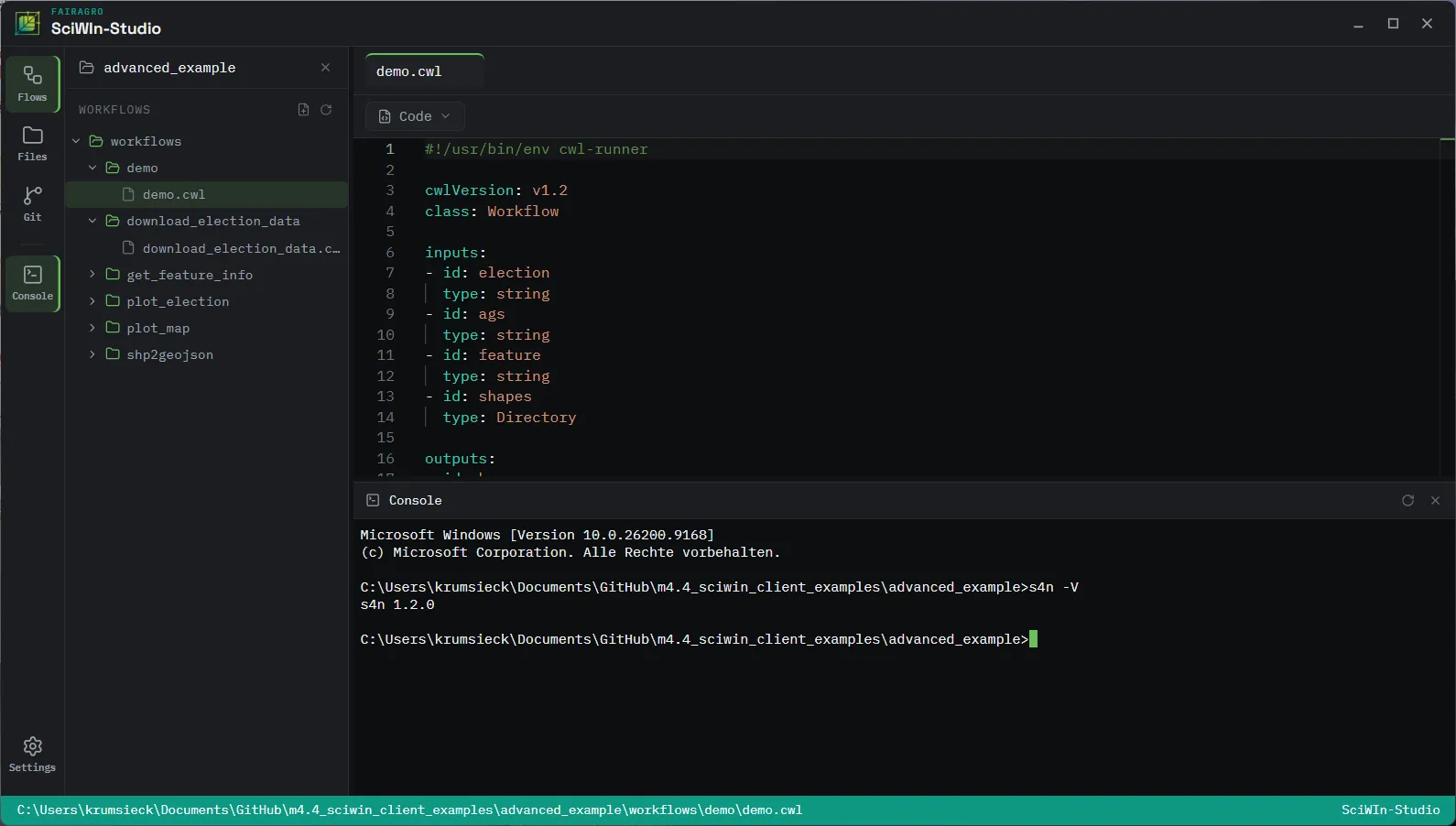
Features
Section titled “Features”- Graph canvas — tools as connectable nodes, with an inspector for the settings a plain
connect/disconnectdoesn’t reach:scatter, conditionalwhenexpressions,pickValue, andlinkMerge. - CWL-aware editor — a Monaco-based editor backed by
cwl-lsp, the same CWL language server that lives in thecommonwlrepository, running in-process for autocomplete and diagnostics as you type. - Integrated terminal — a real shell in the app, for the moments a graphical action doesn’t cover.
- File explorer — the project’s actual filesystem tree,
.gitignoreand all, not a synthetic project view.